Quickly learn to master WordPress blueprint in just 5 minutes with this guide.

Sommaire
Navigating the complexities of website development can be daunting, especially when starting from scratch.
A WordPress blueprint can revolutionize this process by providing a pre-configured template that streamlines setup and ensures consistency across projects.
Let’s dive into how WordPress blueprints can transform your development workflow.
1️⃣ What is a WordPress Blueprint?
A blueprint is essentially a pre-packaged version of a WordPress site that includes themes, plugins, and custom settings.
This comprehensive solution is crafted to significantly reduce the deployment time for new sites by ensuring all essential components are pre-configured following industry best practices.
Examples of WordPress Blueprints:
- Business Website Blueprint: This blueprint includes a professional theme suitable for businesses, plugins for contact management and forms, and custom settings to enhance site performance and security.
- Portfolio Blueprint: Tailored for artists or designers, this blueprint offers an aesthetically pleasing theme for showcasing work, plugins for image galleries or online portfolios, and custom settings for the optimal presentation of creations.
- Blog Blueprint: This blueprint provides a modern and responsive theme, plugins to boost SEO and manage comments efficiently, and custom settings that streamline regular content publishing.
- E-commerce Blueprint: Designed for online stores, this blueprint features a theme specific to e-commerce, plugins for managing products, securing payments, and handling orders, along with custom settings to optimize sales performance.
2️⃣ What are the Benefits of Using a Blueprint ?
Benefits of Using WordPress Blueprints
⏱️ Time
Considerable Time Savings
Kickstart your projects faster with ready-made templates that require minimal manual configuration.
This efficiency allows you to launch websites quickly without sacrificing quality.
⭐️ Quality
Consistency and Quality
Each blueprint ensures that the sites you develop meet high-quality standards.
Predefined configurations maintain consistency across all projects, making it easier to meet client expectations and industry benchmarks.
💰 Cost
Considerable Cost Savings
WordPress blueprints offer plugin and theme developers stable environments that not only facilitate the testing of their products but also lead to considerable cost savings.
This setup streamlines the process by eliminating the need to create separate test cases for each iteration, significantly reducing the complexity and overhead associated with testing.
This efficiency allows for quicker updates and product improvements, accelerating development cycles and reducing costs.
Who Benefits from WordPress Blueprints?
🆕 Beginners
Novices
WordPress blueprints provide newcomers with a streamlined path to launching fully functional websites, bypassing the complexities of plugin and theme selection.
They address typical hurdles such as website security and performance optimization.
With blueprints, beginners start on a solid foundation that embeds best practices in security and performance, simplifying the learning curve and ensuring a robust start.
👨💻 Experts
Professionals
For seasoned designers and WordPress experts, blueprints offer a significant advantage by eliminating the repetitive setup tasks for themes and plugins with each new project.
This allows more time to be devoted to customizing designs and enhancing user experiences to meet specific client demands.
The streamlined setup process not only boosts productivity but also fosters creativity by focusing efforts on customization rather than configuration.
🏢 Agencies
Enterprises
WordPress blueprints are a game-changer for agencies handling multiple client projects simultaneously.
They enable faster and more uniform site deployment, significantly reducing overhead costs.
Additionally, blueprints facilitate a standardized approach to quality control, making it easier to deliver consistent, professional results across various projects.
This efficiency ensures client satisfaction and enhances the scalability of agency services.
3️⃣ How to Create a WordPress Blueprint?
Creating your own WordPress blueprint involves a few straightforward steps:
Install WordPress
Begin with a fresh WordPress installation. No hosting? Install a local server like LocalWP and set up a brand new WordPress site within seconds.

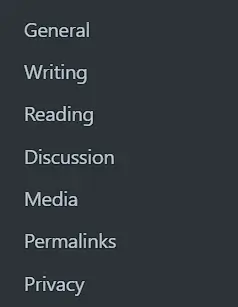
Customize Essential Settings
Adjust basic settings from the settings menu.
Select and Install Plugins
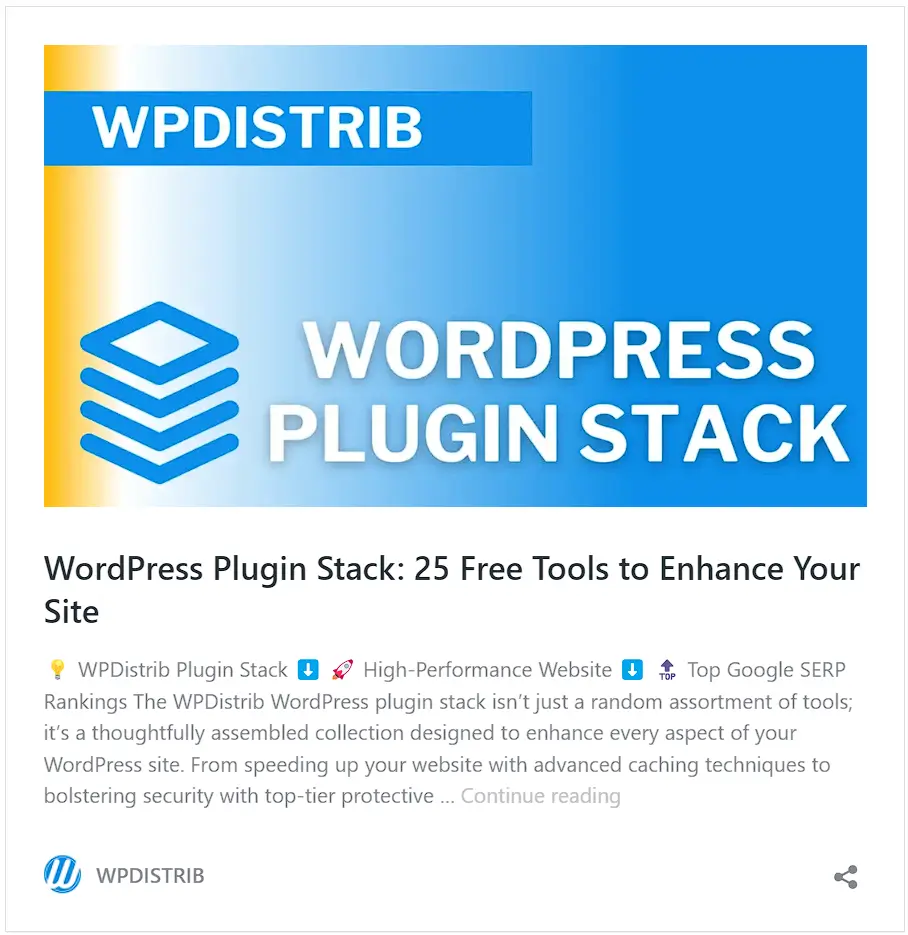
Handpick essential plugins to boost functionality and performance.
Unsure about which plugins to choose? Don’t worry! Explore our curated selection of plugins with our free Notion tool: WPDistrib Plugin Stack.
Choose a Theme
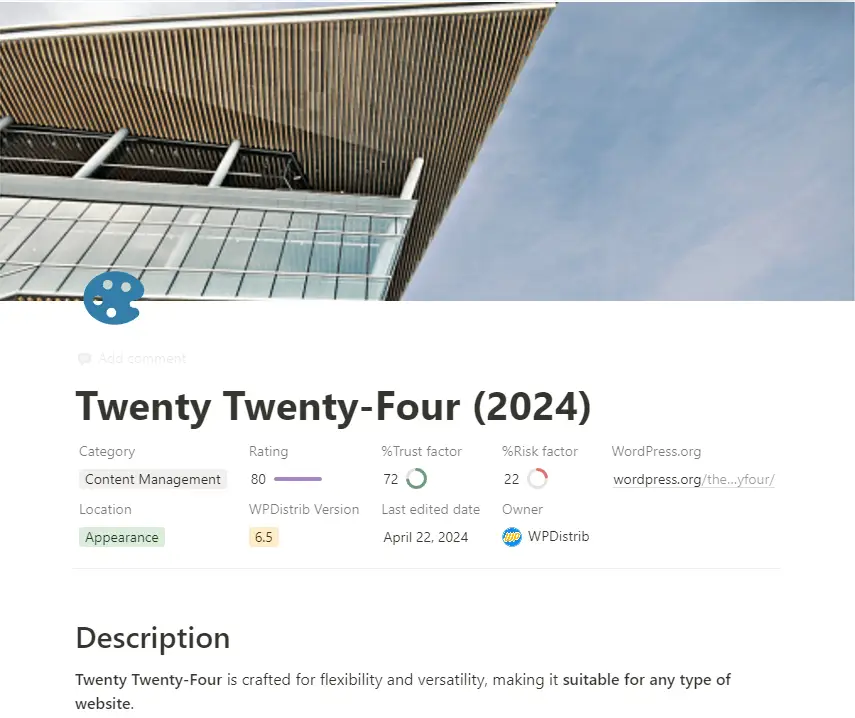
Install a theme that suits the needs of your project.
For us, the native Twenty Twenty-Four theme perfectly fits the bill. It not only ensures lightning-fast page loading speeds but also guarantees optimal performance, crucial to maintaining our website’s SEO ranking on Google.
Create Key Pages
Set up standard pages such as Home, Contact, and Legal Notices.
Enhance with Additional Components
Add plugins for forms, security enhancements, and other necessary elements.
Save Your Blueprint
Use tools like LocalWP to save your setup as a WordPress blueprint.

4️⃣ WPDistrib: A Streamlined and Advanced WordPress Blueprint
Introduction to WPDistrib: Revolutionizing WordPress Development
WPDistrib represents a significant leap in WordPress blueprint technology.
- Core Enhancement: Includes a standard WordPress core with 21 pre-installed and pre-configured extensions.
- Custom Extensions: Features four additional extensions for you to install and configure, enhancing customization.
- Support Tools: Offers the WPDistrib Starter Pack for step-by-step installation and configuration guidance.
Objectives of WPDistrib: Building a Robust Foundation
The primary aim of WPDistrib is to provide a robust, free foundation for any web project, with a focus on security and performance.
- Optimized Foundation: Delivers an optimized base for any type of web project.
- Enhanced Security: Focuses on crucial aspects like the security of your WordPress site.
- Peak Performance: Ensures optimal performance with pre-configured extensions, mirroring a manual installation experience
Creating and Customizing Your Own Blueprint with WPDistrib
WPDistrib serves as the perfect starting point for personalizing your web projects.
- Flexible Base: Provides an ideal base from which to develop and customize further.
- Time Efficiency: Saves significant time during the initial setup phase.
- Consistent Quality: Maintains high quality and consistency across projects.
WPDistrib WordPress Distribution : Leveraging UpdraftPlus
We use the UpdraftPlus extension to distribute our blueprint efficiently.
- Freemium Tool: UpdraftPlus is available in a freemium version that facilitates easy site migration.
- Automatic URL Management: Automates URL changes to suit your target domain name, enhancing adaptability.
- User Accessibility: Makes WPDistrib exceptionally flexible and accessible for rapid deployment of customized sites.
🚀 Download WPDistrib
Your ultimate WordPress blueprint solution!
Unlock the full potential of WordPress, minus the hassles!
Seamlessly initiate your projects with top-notch security and unparalleled user-friendliness, all thanks to our WordPress blueprint technology.